The 10-Pin Multiplier: One Piece of Content, Ten Destinations (Pinterest Series, Part 7)
This series has covered a lot of ground — search behavior, organization, timing, analytics, resale platforms. This part covers something I only recently put real language to, even though I’ve been doing pieces of it for years: how to get ten times the mileage out of content you’ve already made, instead of treating every piece as a one-and-done.
You Don’t Need One Pin Per Post. You Need Ten Angles Per Post.
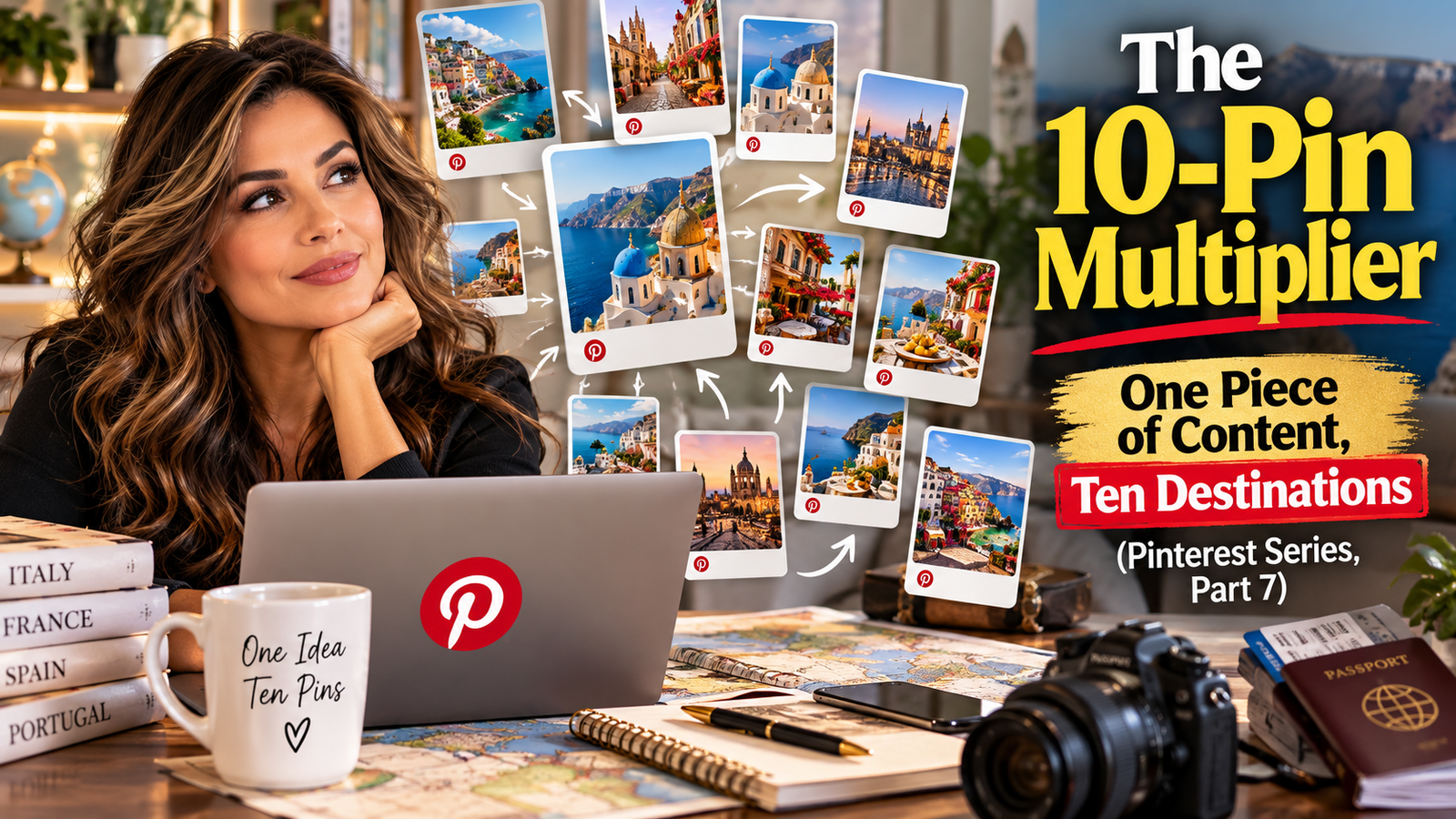
Here’s a mistake I see constantly, and one I made myself for a long time: making a single pin for a blog post, publishing it, and moving on to the next post. That’s leaving real reach on the table, because Pinterest doesn’t penalize you for pinning the same destination multiple times — as long as each pin actually looks and reads like something new, not a duplicate.
The move is to build a small set of reusable template angles, then run every piece of content through all of them. Here’s the actual list I use:
- The Title Master — a clean graphic with just the core title of the post.
- The Creator Spotlight — the title paired with a real photo of you, if you’re comfortable being on camera for that platform.
- The Direct Pull-Quote — a stylized text block with one striking line pulled straight from the content.
- The Infographic Breakdown — a visual, step-by-step summary of the core idea.
- The Audience Pivot A — the same content, framed for one specific segment of your audience.
- The Audience Pivot B — the same content again, framed for a completely different segment.
- The B-Roll Visual — a short looping clip with a bold text hook, no audio needed.
- The How-To Hook — styled specifically around the way people actually type search queries (“How to scale traffic in 1 hour…”).
- The Faceless Close-Up — a clean, product- or solution-focused shot with no branding cluttering it.
- The Call-to-Action Variant — includes a visible button-style graphic (“Click to Read,” “Shop Now”) to nudge the click.
Ten distinct pieces, one destination link, one hour of batching if you’re moving efficiently. That’s the actual math behind “one hour a week” advice you’ll see floating around — it was never about making one pin. It was always about making ten variations in that hour, then spacing them out.
Space Them Out. Don’t Dump Them All at Once.
This part matters as much as making the variations in the first place. Don’t post all ten pins pointing at the same link in the same week — that reads as spammy to Pinterest’s system and can hurt you instead of helping. Space identical destination links out by at least a week. Schedule the batch across several weeks instead of dropping it all on day one.
The Bigger Version of This: One Article, Endless Destinations
Here’s where this idea gets bigger than just Pinterest templates. Think about a single piece of content — let’s use a real example. Say you’ve got one furniture set: a sofa, a certain fabric, a certain silhouette. That’s not one blog post. That’s:
- A post styled for a traditional home
- A different post styled for a loft or modern space
- A post built around color and fabric options specifically
- A “room mockup” post showing it in a full styled room, not just as a standalone piece
- A post comparing it against a similar, cheaper alternative
Same product. Same photos, mostly. Five completely different articles, each with its own pin variations, each targeting a different search intent. You’re not repeating yourself — you’re finding the different questions different people are actually asking about the same thing.
And it doesn’t stop at one blog. If you run more than one brand, the same core content can serve more than one audience. A home styling angle might live on one site while a budget-comparison angle lives on another, each written in that brand’s own voice, each linking back to the other where it makes sense. You’re not duplicating content — you’re letting one real thing you made do multiple jobs instead of one.
Where This Leaves You
Before you consider a piece of content “done,” ask two questions: how many different visual angles could represent this on Pinterest, and how many different articles could this one idea actually become? Most of the time, the honest answer is more than one. That’s not extra work for no reason — that’s making sure the work you already did keeps earning long after you hit publish the first time.