Pinterest Isn’t Social Media — It’s a Search Engine
I want to start this series by clearing up the one mistake that trips up almost everyone new to Pinterest: treating it like Instagram or Facebook.
It’s not. Pinterest is a search engine that happens to use images instead of blue links. Once that clicks, everything else about how to actually use it starts making sense.
Boards Are Categories. Pins Are Search Results.
A board isn’t a photo album. It’s a category — a little niche of its own. Every pin you save into that board is a search-ranked entry, competing to show up when someone types a specific phrase into Pinterest’s search bar. That’s the whole game: someone searches, Pinterest decides what to show them, and your pin either shows up or it doesn’t.
So the real starting point isn’t “what do I want to post today.” It’s “what are people actually searching for in my space, right now.”
Let’s Use Halloween As the Example
Halloween is around the corner, so it’s a perfect case study, and honestly one of the biggest seasonal markets on the entire platform. Think about how many directions that one word branches into: baking, costumes, home decor, makeup, outdoor decorations, inflatables. It’s not one niche. It’s a dozen niches wearing one costume.
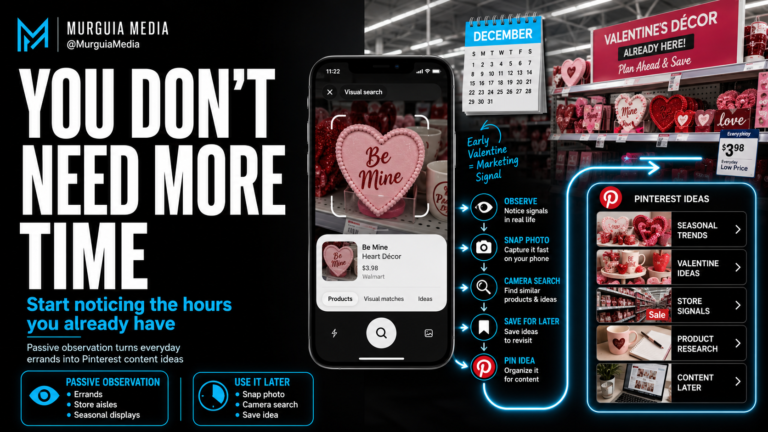
Here’s what I’d actually do if I were starting from zero. Go to the Pinterest search bar and just type in “Halloween.” Look at what comes up. Then get more specific — type in something like “gothic Halloween” or “gothic Halloween cupcakes” and watch what pops up in the suggestions underneath. That’s Pinterest showing you real search behavior, not a guess.
Here’s the part that surprises people: something like gothic Halloween might not be nearly as popular as, say, princess costume searches. And that’s fine to know. It doesn’t mean don’t do it — it means go in with your eyes open. If gothic content is genuinely what you love and you want to build something long-term, the smaller search volume might still be worth it, because you’re going to actually stick with it. But you need to know that going in, not find out three months later when you’re wondering why the traffic feels slow.
Your Best Friend Here Is Pinterest’s Own Analytics
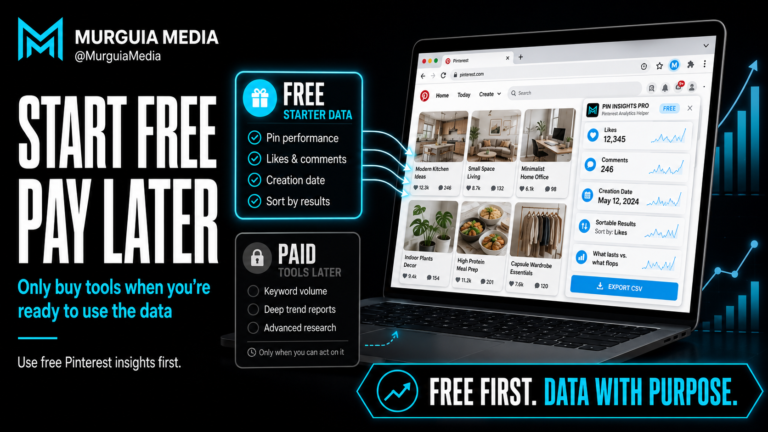
People sleep on this. Pinterest gives you real analytics, built right into the platform — audience insights, what’s trending, how your existing pins are performing. That data is free, it’s already sitting there, and most beginners never open it.
Before you spend a dime on outside tools, learn to actually read what Pinterest itself is already telling you. What did people search for last year around this time? What’s trending differently this year? That comparison alone tells you whether a topic is growing, shrinking, or holding steady — which matters a lot more than whether you personally think it looks popular.
The Flow, Start to Finish — And Why the Destination Matters
Once you understand it as a search engine, the whole structure lines up:
Board (your category) → Pin (a search-ranked entry pointing at one piece of content) → Blog post (where the real content and links live) → Destination (where the reader actually ends up, and where you actually make money).
Let’s slow down on that last piece, because it’s the part beginners skip past the fastest, and it’s the entire reason you’re doing any of this.
Your “destination” is whatever you’re actually trying to earn from. That could be display ads running on your blog through something like AdSense, where you get paid every time someone lands on the page and an ad shows or gets clicked. It could be an affiliate link, where you’re pointing someone toward a product on Amazon or another retailer and earning a commission when they buy. Or it could be your own digital product — an ebook, a printable, a class — where the blog post itself is the sales page.
Every single piece of the chain before the destination exists to get someone there. The board organizes you. The pin gets found. The blog post earns trust and delivers value. But none of that puts a dollar in your pocket by itself. The destination is where the actual transaction happens — the ad impression, the affiliate click, the product sale. If you’re building all of this without a clear answer to “and where does this traffic actually go to make me money,” you’re doing the work without finishing the job.
So before you make your first pin, know your destination. Know what you’re sending people toward and how that specific thing earns you income. Everything else in this series builds on top of that answer.
Where We’re Headed Next
This is Part 1 of a series I’m building out because there’s a lot of information about Pinterest strategy floating around that either oversimplifies it or skips the parts that actually matter for someone starting fresh. Next up: why you should get organized before you have proof something’s working, not after — and what a “lost pin” actually looks like when you skip that step.