
What this category actually does
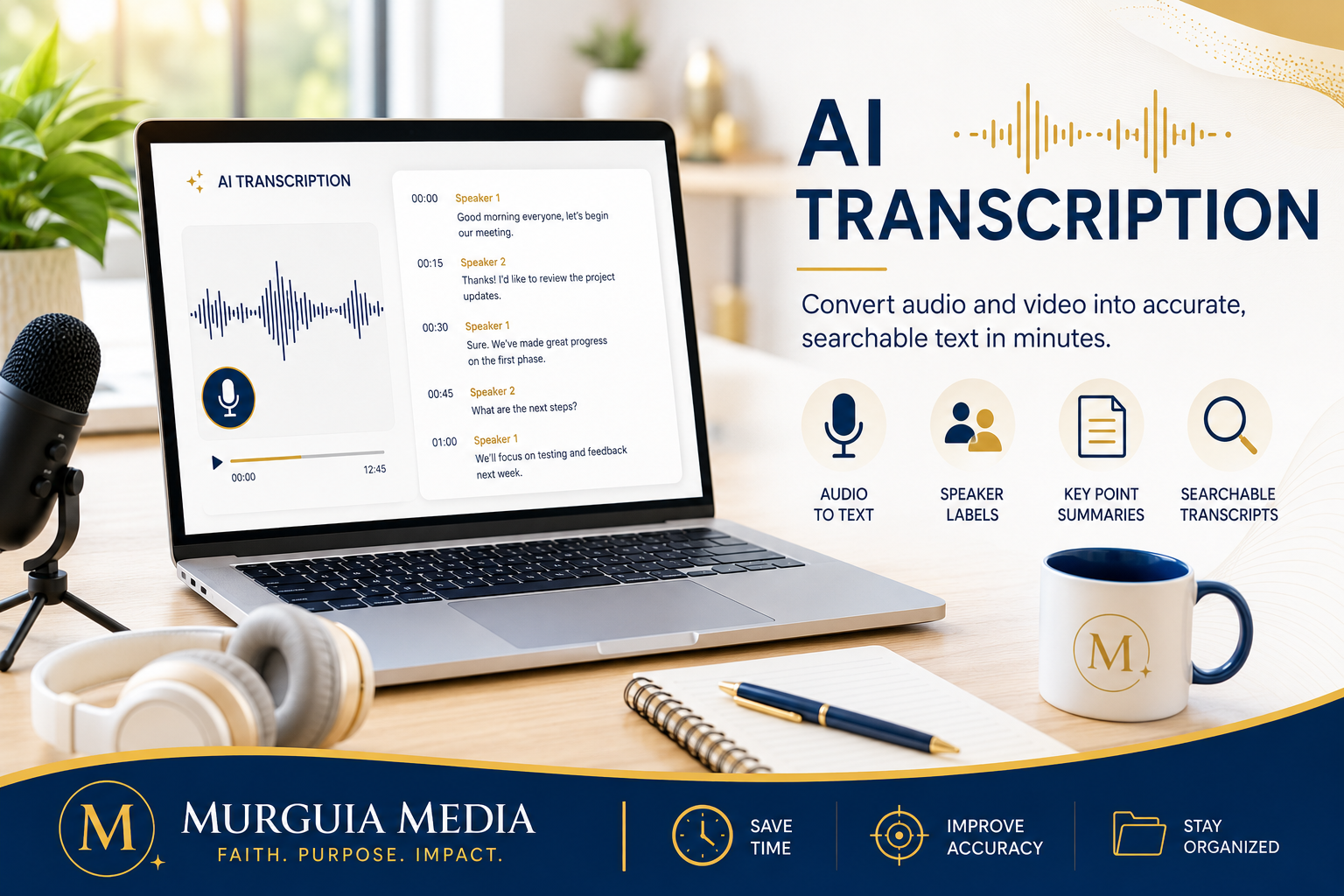
Audio or video becomes text — a recorded meeting, interview, or video turns into a written transcript in minutes, often with speaker labels and a summary of key points, rather than you (or someone you pay) typing it out by hand.
How it’s different from the categories next to it
This is the reverse of voice generation — that category turns text into speech, this one turns speech into text. It’s also different from translation (next on this page), which converts text or speech between languages rather than between audio and text in the same language.
Unless noted otherwise, the tools below are covered based on research, testing, and independent comparisons — not day-to-day personal use. This directory combines firsthand experience with current research; where a tool has been used directly, that’s stated explicitly.
The real tools inside this category
Otter.ai is worth choosing specifically for live meetings — it’s frequently cited as a strong option for real-time meeting transcription plus automatically generated action items, which makes it a natural fit if most of what you’re transcribing is calls or meetings as they happen.
Fireflies.ai is a reasonable pick if you need it to plug into a CRM or sales workflow, or if accuracy on a wide range of audio matters more than live meeting features specifically — in current testing it’s frequently rated with a notably higher accuracy rate than some competitors, and every plan, including free, includes unlimited transcription minutes.
Descript is worth a look if transcription is really a step inside video or podcast editing for you, not the end goal — it combines transcription with actual audio/video editing (including AI voiceovers and audio cleanup), so the transcript becomes the interface you edit the recording through.
Rev is worth considering specifically when accuracy matters most and you’re willing to pay per-minute for it — it’s commonly recommended for higher-stakes material like legal, medical, or academic transcription where errors are costly, rather than everyday casual use.
What it typically costs
- Free plan: Otter.ai and Fireflies both currently offer a real free tier with a meaningful number of minutes included.
- Entry paid tier: commonly in the $8–20/month range for individual paid plans.
- Higher tiers: business/team tiers run higher, often $25–30+/month; Rev instead prices per-minute rather than by subscription, which can be cheaper for occasional use and more expensive for heavy regular use.
- Pricing model: most are subscription with a monthly minute cap; Rev’s pay-per-minute model is the exception worth comparing against your actual usage.
Prices and minute allowances shift often — check current plans against how much you’d actually use before subscribing.
Good to know before you subscribe
Most of these have both browser access and mobile apps (especially Otter.ai and Fireflies, built around joining live calls). Accuracy varies by tool and by audio quality/accents — if precision genuinely matters (legal, medical, or anything you’ll rely on word-for-word), it’s worth testing a sample and considering a higher-accuracy paid option like Rev rather than defaulting to the cheapest free tier. Export is typically plain text, and often a formatted document or subtitle file depending on the tool.
When you’d actually reach for this
Turning a recorded meeting into notes and action items automatically, transcribing an interview or podcast, generating captions or subtitles, or creating a searchable written record of anything that happened out loud.